 Analysis byWeUseApps
I look at a children’s coloring game differently from a conventional art app: the key question is whether a young player can enjoy making things without needing much help, and whether the activity has enough variety to hold attention. Coloring Games: Color & Paint is an educational game from RV AppStudios, aimed at children who want to color, paint, try neon drawing, and spend time with simple learning activities. Its broad appeal is easy to understand, but the best fit depends on what you want a screen-based coloring activity to do.
What free access means here
The game is free to download, which makes it easy to try before deciding whether it suits your child. That is useful for a parent who would rather see how a child responds to the activities than pay upfront for an art app that might be ignored after one session. I would treat “free” as a low barrier to getting started, not as a promise about every possible in-app cost or the full experience; check the current app-store page and device settings if purchases are a concern.
It is rated for Everyone, so its stated audience is broad, though that does not mean every child will find the controls or activities equally easy. The game was released on November 6, 2019, and has reached over 100 million installs. It holds a 4.4 average from around 122 thousand ratings, with roughly 1.1 thousand written reviews. Those figures suggest it has found a large audience, but popularity alone cannot tell you whether its drawing approach will match your child’s preferences.
For me, the practical value of free access is that it lets a family test a few short sessions without turning the choice into a purchase decision. A child who enjoys filling in pictures may get plenty from that kind of low-pressure activity. If your goal is a fully featured digital illustration workspace, however, a no-cost children’s game should not be judged as a substitute for a dedicated art tool.
Coloring, painting, and learning in one place
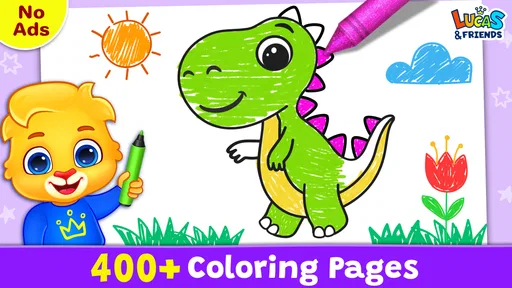
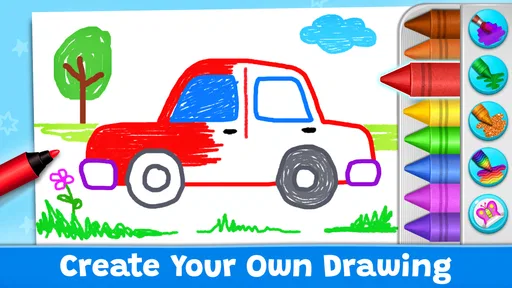
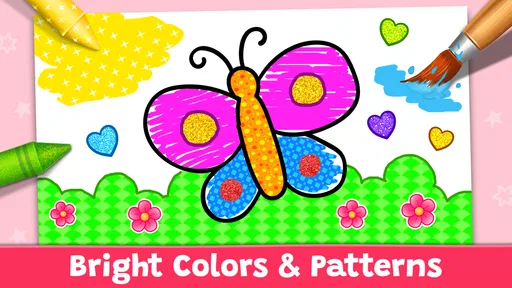
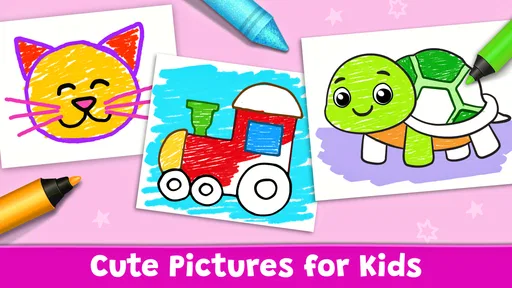
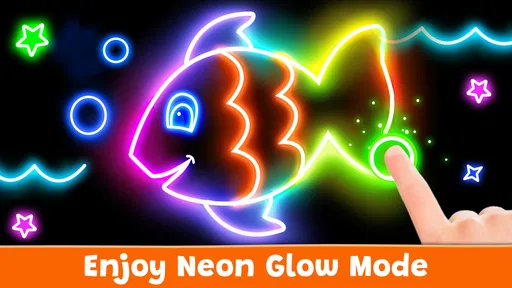
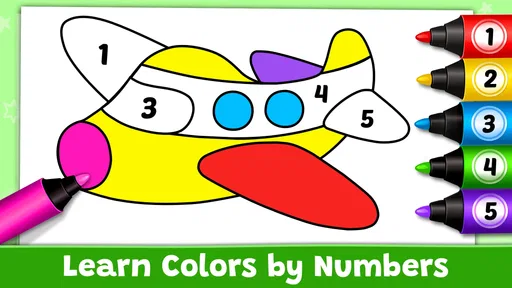
The main draw is a mix of coloring and painting activities, with neon drawing and educational games alongside them. That combination gives the experience more than one mode of creative play. It can work well when a child is not in the mood to follow a single coloring page from start to finish: they can move between making marks and trying a different kind of activity instead.
I would use it as a flexible activity rather than a structured lesson. A parent can offer it during a quiet stretch at home and let the child choose whether to color or explore another activity. That choice can make the game easier to revisit than a narrowly focused coloring book, especially for children whose interests shift quickly. The educational framing is appealing, but I would not rely on the game alone to teach a particular color skill or topic; play alongside a child and connect what they do on screen with real objects or crayons.
One useful way to make the coloring feel less like passive screen time is to ask the child to describe a choice before making it: “What color do you want here?” or “What would happen if you used a bright color?” That turns a quick tap into a small conversation without requiring the game to provide a formal lesson. It also gives a parent a chance to see whether the child is enjoying the creative part, the game-like activities, or simply switching between screens.
The app’s large reach and its focus on children’s creative play make it an approachable starting point, not proof that it suits every age or temperament. A preschooler who likes tapping colors may respond differently from an older child who wants precise control over line thickness, layers, or a blank canvas. I would set expectations accordingly: this is a children’s coloring game, not a professional drawing studio.
A practical routine for short sessions
For an everyday use case, I can imagine offering it while dinner is being prepared or during a brief wait at home. Rather than handing over a phone with no context, choose a simple endpoint together: finish one picture, try one neon drawing, or explore one educational activity. This keeps the session manageable and makes it easier to put the device away without treating the game as an endless activity.
A second helpful habit is to let the child choose the activity before starting, then ask them to show you what they made afterward. That small routine helps a parent tell whether the game is genuinely engaging or whether the child is just tapping through options. It also makes the creative result part of the interaction instead of leaving the device to occupy the child in isolation.
If a child tends to rush through activities, try slowing the process down by inviting them to pick a color theme or explain what they are drawing. If they prefer fast changes, the variety of coloring, painting, and neon drawing may be a better fit than a single paper coloring sheet. These are simple ways to get more intentional use from the game without assuming it offers particular controls or features beyond its stated activities.
Where the tradeoffs show up
The same variety that can keep a child interested may also make the game feel less focused than a traditional coloring book. A child who wants to work carefully on one picture could be distracted by the presence of other activities. In that case, a paper book or a simpler digital coloring app may be a better choice, especially if the goal is a calm, uninterrupted drawing session.
Another tradeoff is the difference between coloring on a screen and working with physical materials. A touchscreen is convenient and avoids the mess of paint or markers, but it does not offer the feel of a crayon, the resistance of paper, or the same chance to practice hand movements with real tools. I would see the game as a handy companion to offline art, not a replacement for it. Letting a child recreate a favorite on paper can make the digital activity a starting point rather than the whole experience.
Parents should also consider how much guidance a child needs with any game. The Everyone rating is useful context, but it cannot tell you whether a particular child can navigate it independently or whether they will need help staying on task. I would sit nearby for the first session, see how the child handles the choices, and decide whether the game works better as a shared activity or a short solo one.
Because the game is free to download, it is sensible to check the app-store purchase details and device controls before giving it to a child, particularly if you prefer to prevent accidental spending. That is a general precaution, not a claim that the game requires a purchase. If you want a predictable, one-time-cost art app, compare the current terms of paid alternatives rather than assuming every free download has the same model.
Who is likely to get the most from it?
I’d recommend trying it with children who enjoy colorful visual activities and like having more than one kind of creative option. It may suit a family looking for an easy-to-start digital activity during a short break, or a parent who wants to see whether a child enjoys coloring on a touchscreen before investing in a more specialized app. Its educational-game identity may also appeal to adults who want creative play to sit alongside simple learning activities, while still keeping expectations modest.
It is less compelling for children who want detailed drawing tools, free-form illustration, or a quiet activity with no switching between modes. Older kids who are ready to develop a more deliberate art workflow may be better served by an app built around drawing and editing rather than children’s coloring. Likewise, if your priority is tactile practice, shared materials, or a screen-free pastime, paper and crayons remain the more direct option.
Compared with a standard paper coloring book, this game offers several types of on-screen activity in one place, with the convenience of not needing physical supplies. Compared with a general drawing app, it is more clearly aimed at children’s coloring and playful exploration than at open-ended artwork. Which alternative is better comes down to the purpose: choose paper for sensory, hands-on practice; a dedicated art app for more control; and this game if easy access to varied children’s activities matters most.
My verdict on whether to try it
I see Coloring Games: Color & Paint as a reasonable free option to test with a child who likes coloring and enjoys changing activities. Its combination of painting, neon drawing, and educational play gives it a broader feel than a digital page of outlines alone, and the large number of installs suggests it has reached many families. I would still judge it by the child’s response rather than by popularity or rating.
My recommendation is to try it when you want a low-commitment, child-focused creative activity, then keep sessions purposeful and see which parts hold the child’s attention. Skip it if you need advanced drawing tools, a reliably screen-free experience, or a narrowly focused coloring session. For families comfortable with a free download and willing to check purchase settings, it is an easy way to explore whether digital coloring is a good fit before choosing a more specialized alternative.
What we like
- Simple controls make coloring easy for younger players.
- A wide range of pictures offers plenty of creative options.
- Bright colors help make finished artwork look lively.
- The game supports relaxing play at your own pace.
- Coloring can encourage creativity and attention to detail.
What could be better
- Some artwork or features may require in-app purchases.
- Ads may interrupt coloring sessions.
- The app may need an internet connection for some content.
- Small spaces can be difficult to color precisely on phones.
- Repeated images may reduce variety over time.