
 Analysis byWeUseApps
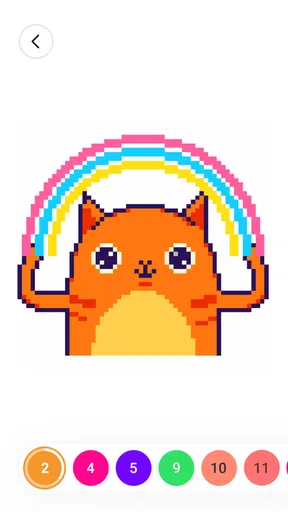
I find the appeal of Color by Number: Coloring Games in how little it asks of me at the start: choose an image, follow its numbered spaces, and watch a pixel-style picture take shape. It is a board game built around painting rather than competition, so the reward is a completed image and a few calm minutes of concentration. That makes it an easy choice for a short break, though it is not the right fit if you want drawing freedom, a story, or demanding strategic play.
Small goals make it easy to begin
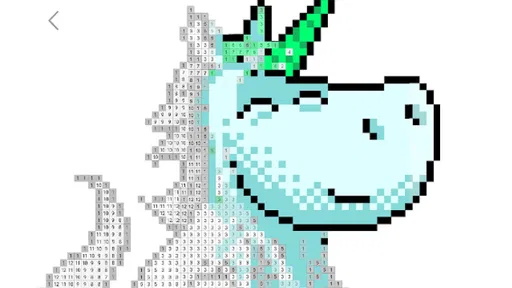
The first goal is simple and clear: fill the spaces that belong to each number. I do not need to decide which colors suit a picture or learn a complicated set of rules before starting. The numbered areas turn a large image into a sequence of manageable tasks, which helps when I want an activity I can pause and return to without losing the thread.
That structure also explains the game’s particular kind of satisfaction. A picture may look fragmented at first, but each filled patch gives it more shape. I like working from a prominent area outward, because visible progress makes the image easier to read and gives me a natural next step. If I have only a few minutes, I can focus on a small cluster instead of treating the whole picture as one long assignment.
This is not freehand coloring in the usual sense. The numbers guide the choice of color, so the main decisions are about where to focus and how steadily to work, not about inventing a palette. If you enjoy sketching your own designs or choosing every shade, a blank canvas or drawing app will be more satisfying. Here, the appeal is having the picture’s structure already set while still doing the hands-on work of completing it.
Wildlife Studios developed the game, which is free to install and has an Everyone age rating. It has a 4.6 average from around 530,000 ratings, with more than 100 million installs. Those figures suggest that the straightforward format has broad appeal, but they do not change what matters in everyday use: whether this kind of guided, low-pressure coloring is how you want to spend your downtime.
Make progress visible without rushing
A useful way to approach an image is to treat each color as a short session goal. Rather than jumping around at random, I can complete one region or one number group, then stop at a point where the picture looks more finished. This creates a small sense of closure, especially during a commute wait or a quiet break between chores. It is a practical rhythm for a game that does not depend on a long, uninterrupted session.
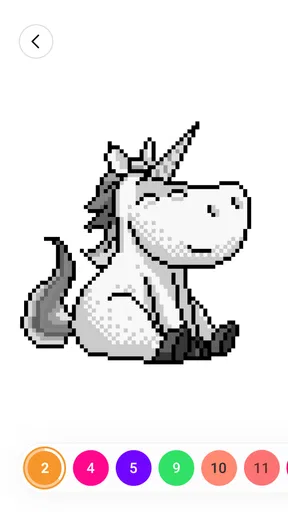
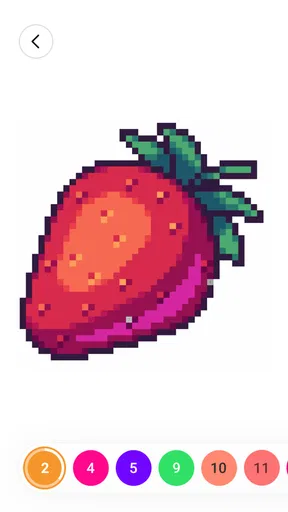
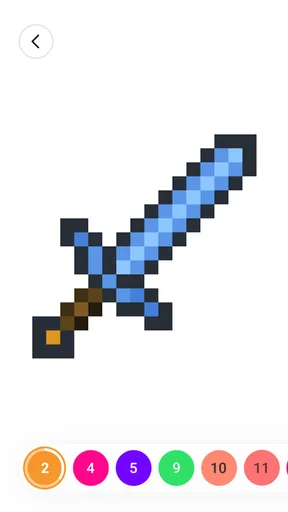
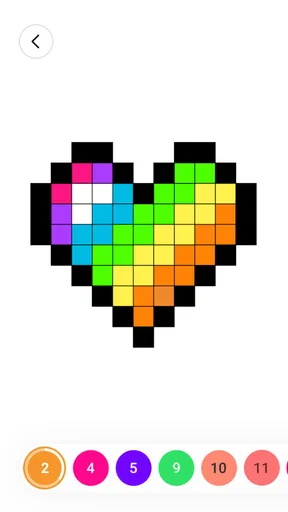
The pixel-art look suits this method. The image is assembled from distinct blocks, so the work has a clear, almost mosaic-like result. I find that more forgiving than trying to shade a realistic drawing: the visual language is already built around separate pieces. At the same time, the small cells can make accuracy important. Rushing through a dense patch may feel less relaxing than taking a moment to check the number before filling it.
One tip that helps is to zoom in mentally and work in a contained area rather than chasing every matching number across the picture. The point is not to finish as fast as possible; it is to reduce the amount of searching and keep the task pleasant. If I am tired, a compact section is a better target than trying to complete an elaborate image in one sitting.
Progress is visual, not a deep progression system
The strongest progress signal is the artwork itself. Empty spaces gradually disappear, and the image becomes easier to recognize. That is enough to keep me engaged for a while because the reward is immediate and directly connected to what I am doing. The game’s core loop does not need a complicated explanation: select a color, locate the corresponding spaces, and continue until the picture is complete.
That focus is also a limitation for players who want progress to mean more than finishing pictures. I would not come here expecting a layered campaign, a competitive ranking ladder, or a strategy game with several viable paths. The enjoyment is in the act of coloring and the visible transformation of the artwork. If that loop feels repetitive to you, the game may not create a strong reason to keep returning.
The store describes the experience as a pixel-art painting game and a three-dimensional sandbox drawing game, but I would approach it primarily as guided coloring by number. The numbered artwork is the clearest part of the experience and the best reason to try it. Anyone looking for unrestricted 3D modeling or a full sketchbook workflow should compare it with a dedicated creative tool rather than assume that the coloring format will meet those needs.
Challenge comes from patience and precision
The challenge is gentle, but not entirely absent. It comes from keeping track of small numbered cells and maintaining attention long enough to fill them accurately. Large, open areas are naturally easier to work through than busy sections with many tiny blocks. That makes the activity flexible: I can choose a simple pace when I want to unwind, or give a more detailed image a little more attention when I am in the mood to concentrate.
This is a softer kind of difficulty than a board game built around opponents, tactical choices, or a clock. There is no need to study a strategy before play, and I can make progress without being good at drawing. The trade-off is that players who need a clear test of skill may find the numbered guidance too protective. The game is better understood as a focus exercise with a visual payoff than as a challenge to master.
For a realistic everyday use, I would open it while waiting for a meal to cook or during a short pause at home, complete one small area, and put it aside. That routine works because I do not have to remember a plot or plan a complicated move for later. It is less suitable when I want to stay fully immersed in a longer session with escalating stakes; the calm pace is a feature, but it can also make the experience feel flat.
When the gentle loop becomes a nudge
Because completing pictures is the central reward, retention depends on whether I still enjoy that repeated process. A new image can make me curious, but simply having more coloring to do is not the same as a deeper progression system. I would decide based on how satisfying the act of filling numbered spaces feels, rather than expecting each session to introduce a major new mechanic or a more elaborate goal.
The game is free, with in-app purchases ranging from $7.99 to $99.99 per item. That is worth keeping in mind if you prefer a fully cost-free experience or are choosing a game for a child. I would set expectations before installing: the basic coloring concept is easy to understand, but the presence of purchases means it is sensible to check the app store purchase controls on the device. I would not treat spending as necessary to enjoy the basic idea, but I also would not ignore the purchase options when deciding whether it is right for a family device.
There is a meaningful contrast with other coloring apps. A blank-page coloring tool gives more creative control but asks you to choose colors and make more decisions. A competitive board game offers opponents and tactical pressure, but usually demands more attention. This game sits between those moods: it gives me a prepared image and a simple task, with the satisfaction coming from completion. Choose it for guided, low-stress activity; choose another kind of game if you want social competition, freehand art, or stronger long-term goals.
A good fit for short, quiet sessions
The game was released on January 4, 2018, and its current version is 4.51.0, with Android 6.0 as the minimum operating-system requirement. Those details may help check basic compatibility, but the deciding question is still whether numbered coloring sounds relaxing rather than repetitive. I would recommend trying it if you like pixel-style pictures, prefer clear instructions, and want an activity that can be broken into small pieces.
I would skip it if you want to create original drawings from scratch, compete against other players, or see a substantial difficulty curve built around mastery. It is also not my first choice for someone who gets impatient with detailed, repetitive tapping. In those cases, a freeform art app or a more tactical board game offers a better match for the kind of engagement you want.
My verdict is that Color by Number: Coloring Games works best when I treat its goals as small visual milestones rather than a grand progression journey. The early task is obvious, progress is easy to see, and the challenge comes from careful attention instead of pressure. Its pacing can be comforting, though the same loop may wear thin if you need frequent surprises or meaningful strategic choices. For a quick, guided coloring break, I find it approachable and useful; for deeper creative control or a stronger sense of advancement, I would look elsewhere.
What we like
- Simple tap-to-fill controls are easy to use.
- Numbered palettes make color selection straightforward.
- A broad range of pictures offers plenty of options.
- Short coloring sessions fit well into spare moments.
- Completed pictures provide a satisfying sense of progress.
What could be better
- Small numbered areas can be difficult to tap precisely.
- Some pictures may require many taps to complete.
- Ads may interrupt the coloring experience.
- Premium content may require a subscription or purchase.
- Color choices can feel limited in some images.




